AI VTON (Virtual Try-On) Kiosk, DDP
DDP AI 가상피팅(VTON) 키오스크
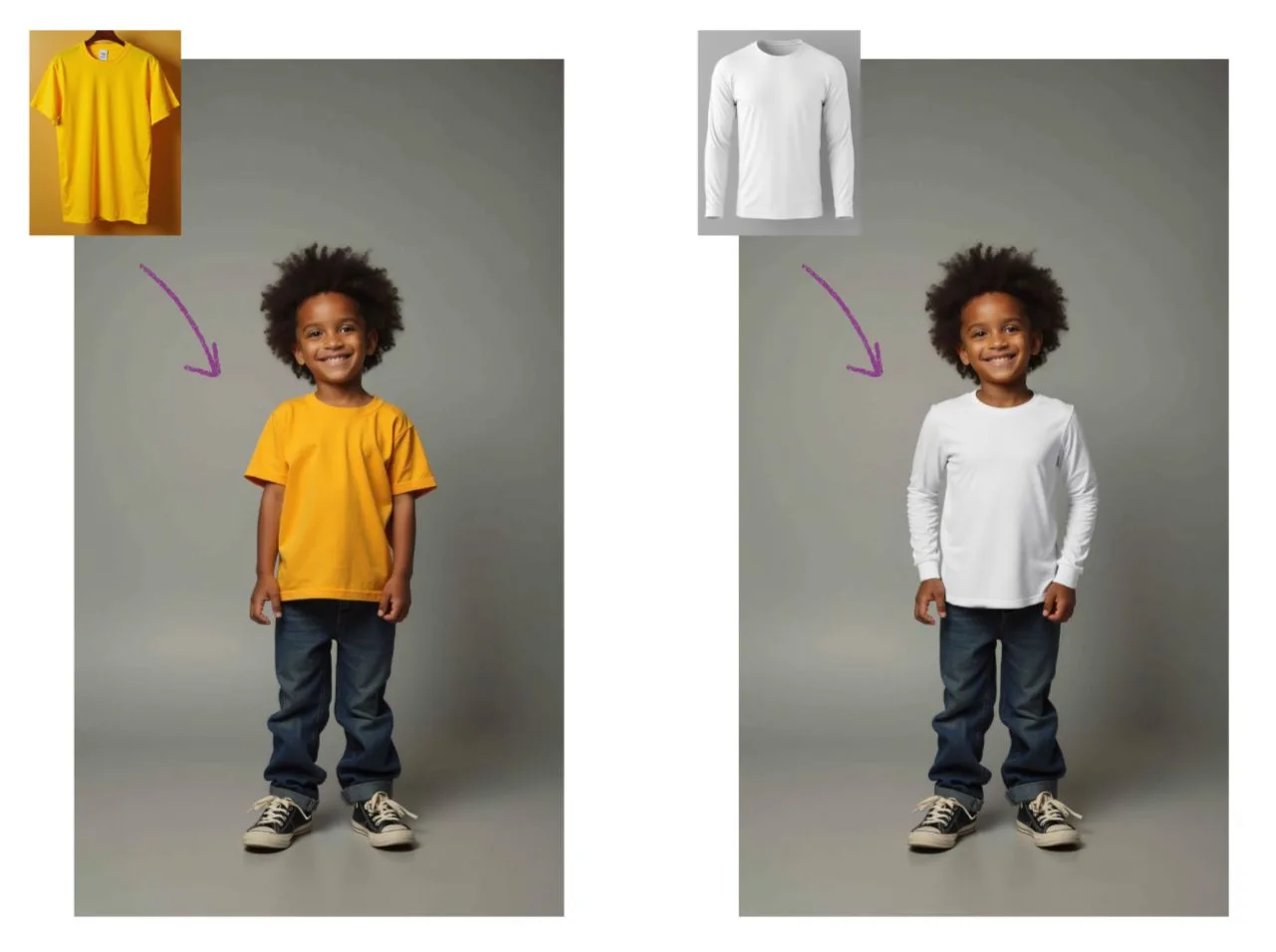
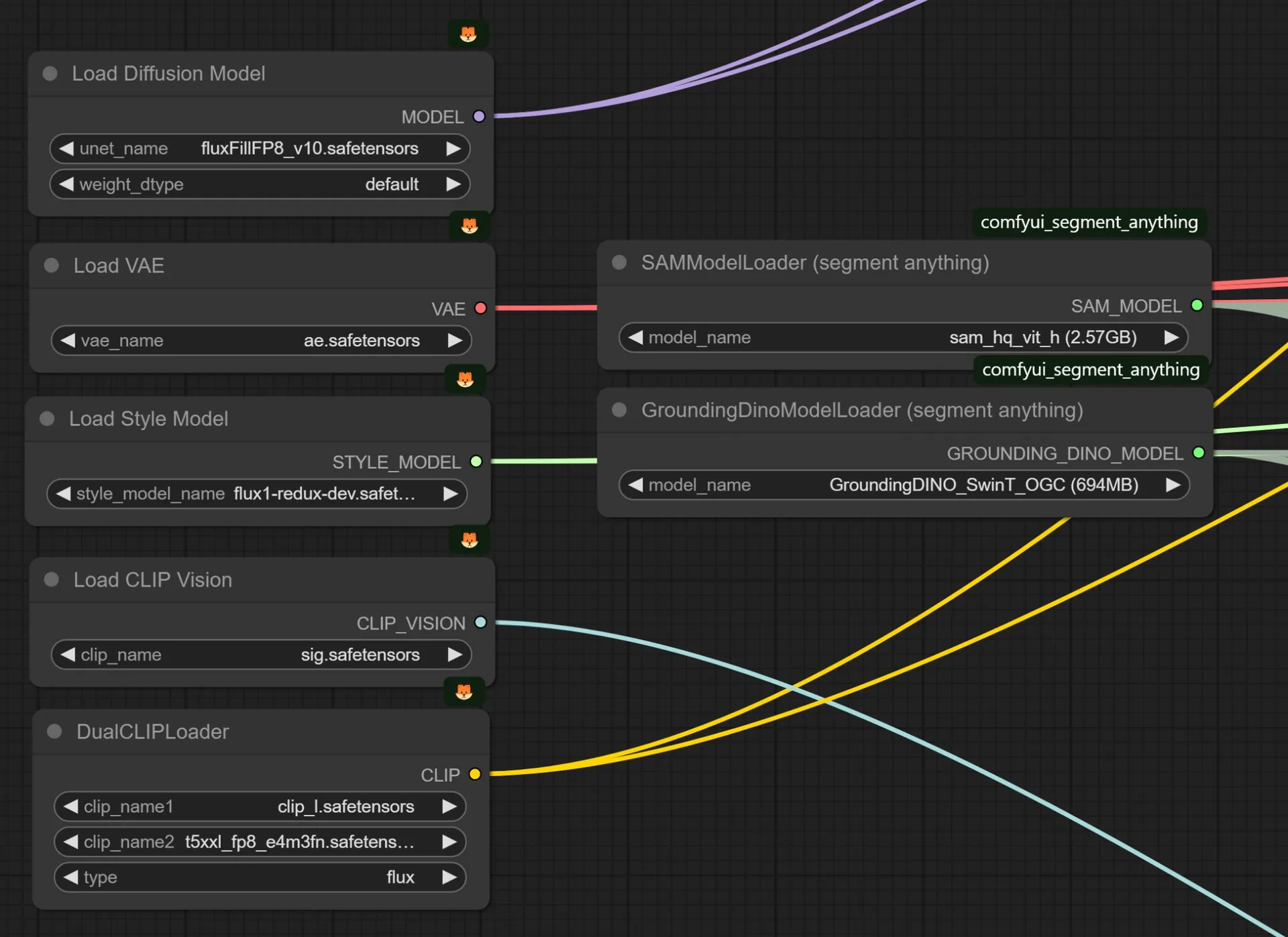
A project to build a virtual try-on (VTON) kiosk powered by generative AI. I combined SAM, FLUX-redux, and IC-Light in ComfyUI to build natural-looking virtual try-on functionality from scratch.
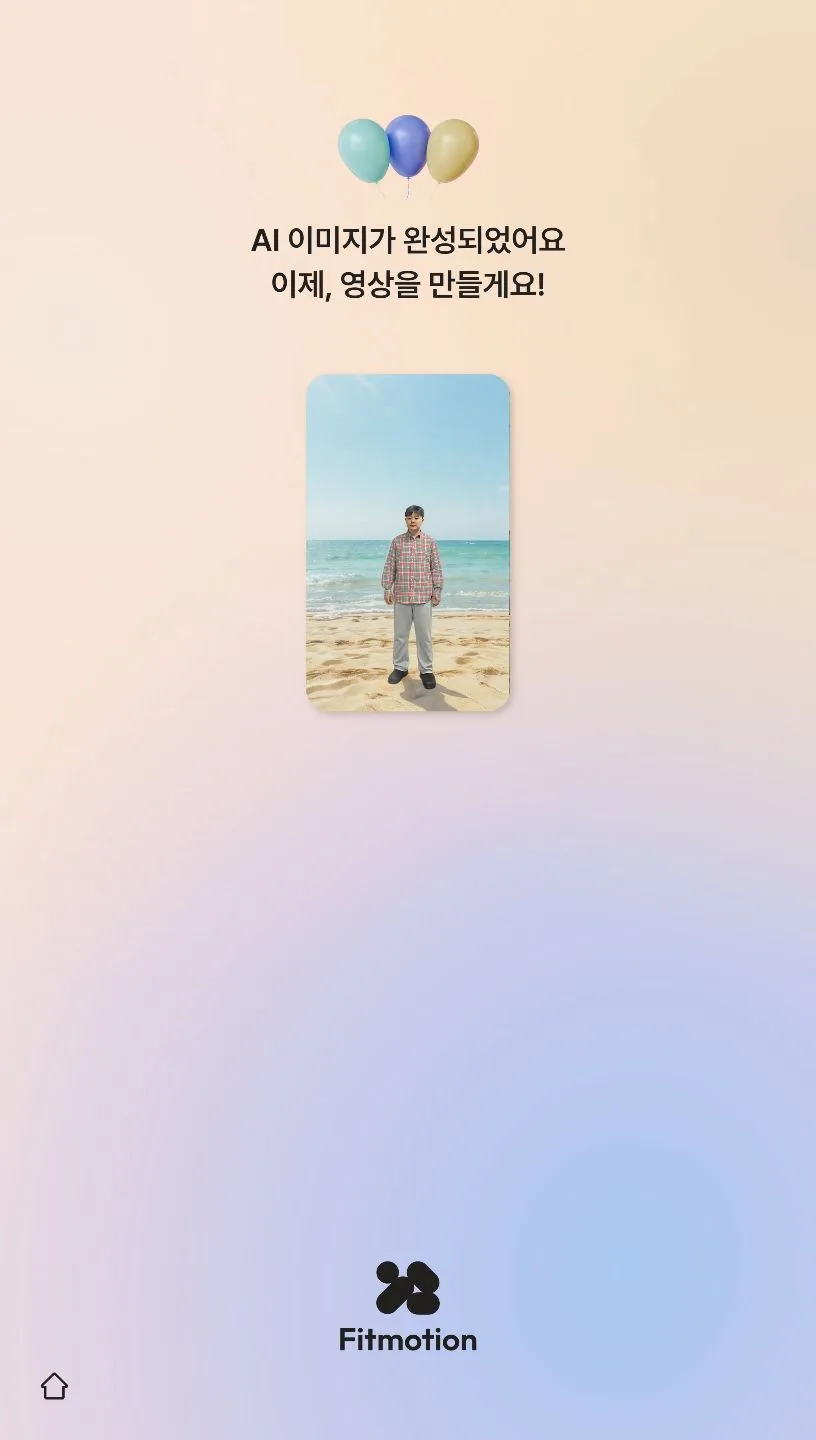
Running every AI model locally caused GPU memory shortages and long wait times, while running everything on servers hurt profitability due to the cost of maintaining high-performance GPU servers. I found a middle ground by splitting the pipeline — image AI and prompt processing ran locally, while video AI processing ran through an external API — and kept the locally run models as lightweight as possible without sacrificing quality, to cut wait times.
After comparing multiple video generation AI services on quality, generation time, and licensing cost, I selected RunwayAI's GEN-3 Turbo model and integrated it via API. To control output quality, I ran repeated tests to extract and embed hidden prompts, and by parallelizing background image preprocessing with front-end prompting, cut the perceived wait time from 3 minutes to 1.
VTON (Virtual Try-On) implementation
- —Built natural-looking virtual try-on (VTON) functionality from scratch in ComfyUI using SAM, FLUX-redux, IC-Light, and other tools
Resource-cost optimization
- —Running all AI models locally caused GPU memory shortages and worsening wait times
- —Running everything on servers hurt profitability due to the cost of maintaining high-performance GPU servers
- —Struck a balance by running image AI and prompt processing locally, and video AI processing externally
- —Kept locally run AI models as lightweight as possible while preserving output quality, to reduce wait times
Video AI model evaluation
- —Compared and evaluated various video AI services on quality, generation time, and licensing cost
- —Ultimately selected RunwayAI's GEN-3 Turbo model and integrated it via API
Hidden prompting
- —Ran repeated tests to extract and embed hidden prompts to control output quality
UX improvements
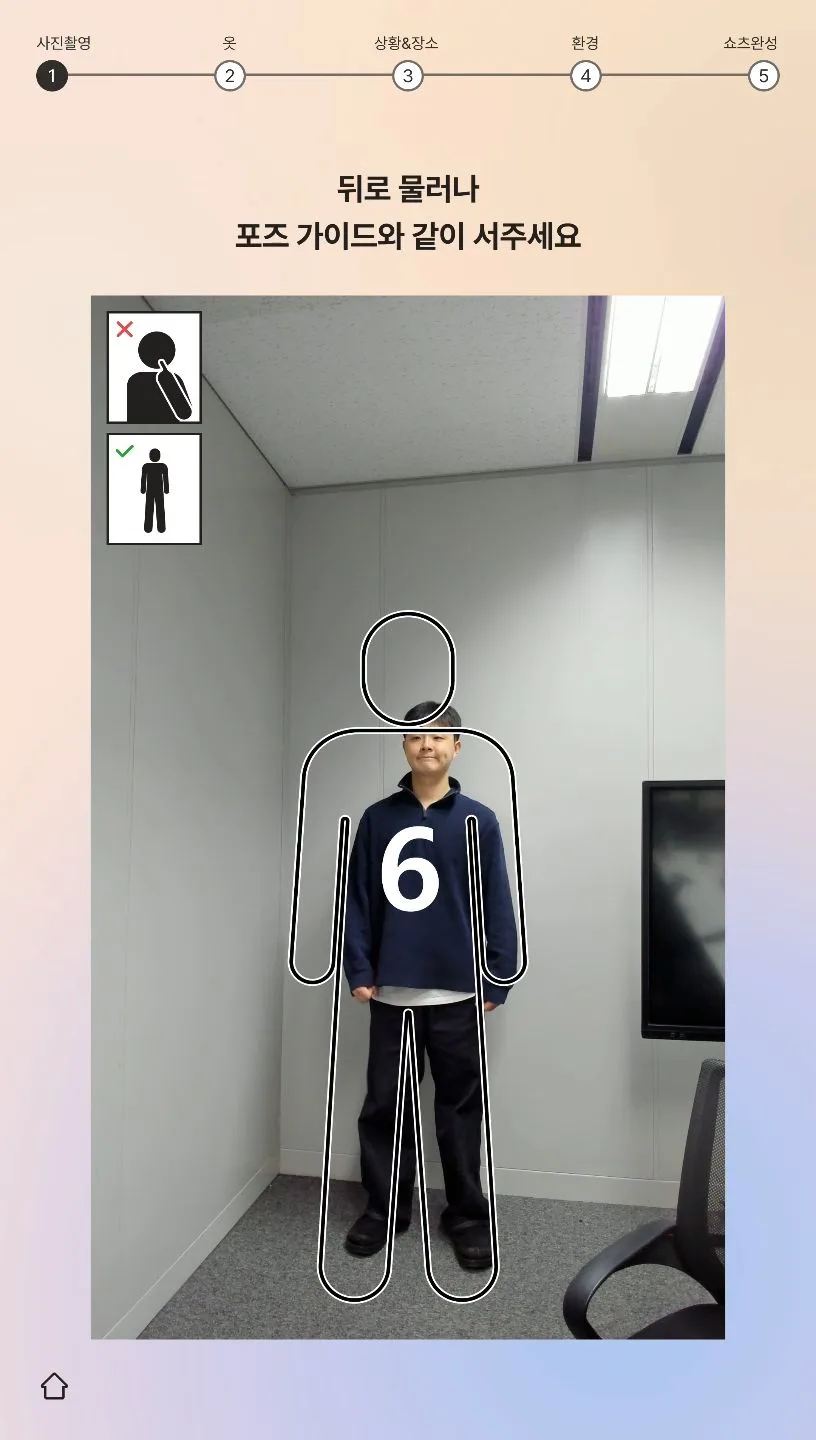
- —Reworked the flow so users could prompt their preferences on the front end while image preprocessing ran in the background
- —Substantially cut perceived wait time (3 min → 1 min) and improved the overall user experience